“What does that include?”
“Do you come to my area?”
“Can you help with what I already have, or do I need to start over?”
If you run a small business, you probably have a few answers you could give in your sleep. They come up in phone calls, Facebook messages, emails, and conversations at the counter.
Those questions are useful clues. They tell you what someone needs to understand before they feel comfortable taking the next step.
Your website is a good place to begin that conversation. Not by adding a giant wall of frequently asked questions, but by putting clear, honest answers on the pages where people are making decisions.
You may not need a new website. You may need your current website to explain a few important things better.
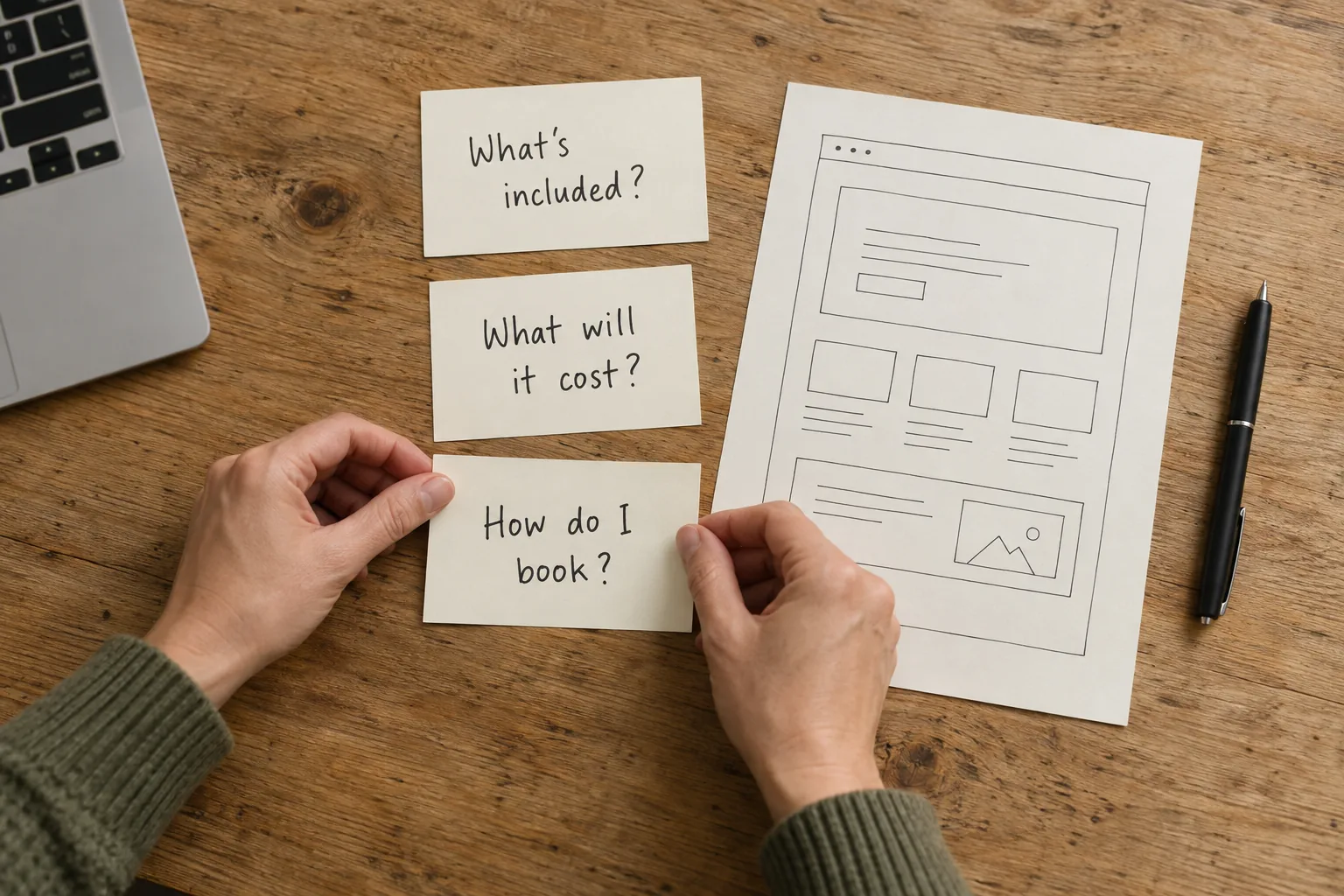
Start with the questions people actually ask
Before opening a keyword tool, look at the conversations you already have. What do people ask before requesting a quote? What do you explain after sending one? Which details cause confusion even after someone has visited your website?
Keep a simple list for the next week or two. Write down the question, where it came up, and which service it concerns. Leave customer names and private details out of your content notes.
Try to keep the customer's language. “Can you add online booking?” is more useful than turning it into “What digital transformation solutions are available?”
Nielsen Norman Group's established FAQ guidance recommends using real customer concerns and familiar wording rather than inventing questions a business wishes people would ask. It also treats repeated questions as clues to problems elsewhere in the experience—not just material for another FAQ. Read the usability guidance.
If you have Google Search Console, its Performance report can add another perspective: the queries associated with your website's appearances and clicks in Google Search. Use those alongside actual conversations, not as a complete list of what your customers need. Google's Performance report guide.
Choose the answers that help someone make a decision
You do not have to answer everything at once. I would start with questions that help a person decide whether your business is a good fit:
- Scope: What is included, and what costs extra?
- Price: Is there a fixed price, a starting point, or a custom quote?
- Location: Where do you work, and do customers come to you?
- Timing: How does scheduling work, and what can affect the timeline?
- Preparation: What information or materials does the customer need?
- Next step: What happens after they contact you?
For a contractor serving Omaha and nearby communities, travel limits and the estimate process might come first. For a café, it could be catering order sizes and pickup arrangements. For a fitness studio, it might be what a first visit involves.
Your conversations should decide which answers deserve space on your site.
Give a direct answer before the sales pitch
A useful answer does not need to sound impressive. It needs to leave the person less confused.
Here is a practical structure: answer the question, explain the important conditions, then offer a next step.
Consider this fictional example for a home-cleaning business:
Question: Do I need to provide cleaning supplies?
Vague answer: We offer convenient, personalized cleaning solutions to meet your needs.
Clearer answer: We bring our own cleaning products and equipment. If you need us to use a particular product or avoid an ingredient, tell us before your appointment so we can confirm whether we can accommodate it.
The second answer explains a policy and its limits. Use an answer like this only if it matches your actual policy.
The same approach works for custom services. Instead of stopping at “Contact us for details,” explain what details you need and what the customer will receive next.
For website work, that might mean asking for the current site address, a description of the desired feature, and any tools it needs to connect with. That gives the conversation a useful starting point without promising a solution before reviewing the site.
Put each answer where the customer needs it
A separate FAQ page can be helpful. It should not be the only place someone can learn what your service includes or how to book it.
The UK's Government Digital Service makes a useful content-design point: repeated questions can signal that the existing information needs clearer organization. Its guidance is written for government websites; the principle I would carry over is to improve the page people already need, rather than automatically duplicate it in an FAQ. GDS's explanation.
My approach is to match the answer to the decision being made:
| Customer question | A useful place for the answer |
|---|---|
| What is included in this service? | The relevant service page, near the description |
| What affects the price? | A pricing section alongside that service |
| Do you work in my town? | Service-area information linked from the service page |
| What should I have ready? | Beside the inquiry form or booking instructions |
| Which option is right for me? | A comparison guide linked from the relevant options |
Not every question needs a new landing page. A short answer may fit comfortably into an existing section. A substantial topic may deserve its own page if there is enough useful detail to help someone make a distinct decision.
For example, “Can online booking be added to my existing website?” could support a helpful guide about platform compatibility, calendar connections, deposits, and what needs reviewing first. A second page that says almost exactly the same thing would add little for the reader.
Explain pricing without locking every project into one number
Custom work does not always fit a tidy price list. You can still help someone understand how pricing works.
In its B2B usability research, Nielsen Norman Group observed visitors struggling when sites omitted pricing. Its guidance suggests representative scenarios or ranges when exact pricing varies. That is a useful starting point, not a promise that displaying a price will increase sales. Read the pricing research.
If you have a genuine starting price or typical range, explain what it covers and what changes it. If you cannot provide a meaningful number until you assess the work, explain why—and what you need to prepare a quote.
You might describe the effect of project size, materials, preparation, integrations, or ongoing support. Separate one-time work from recurring charges when both apply.
Avoid a low “starting at” number that leaves out unavoidable parts of the service. The goal is to prepare someone for an honest conversation, not get them to inquire under the wrong impression.
You are explaining how you price the work, not quoting an unseen project.
Make the answers easy to use on a phone
Open the page on your phone and look for one answer without reading from the top. Can you find it quickly? Is the heading clear? Can you comfortably read the text and follow the next step?
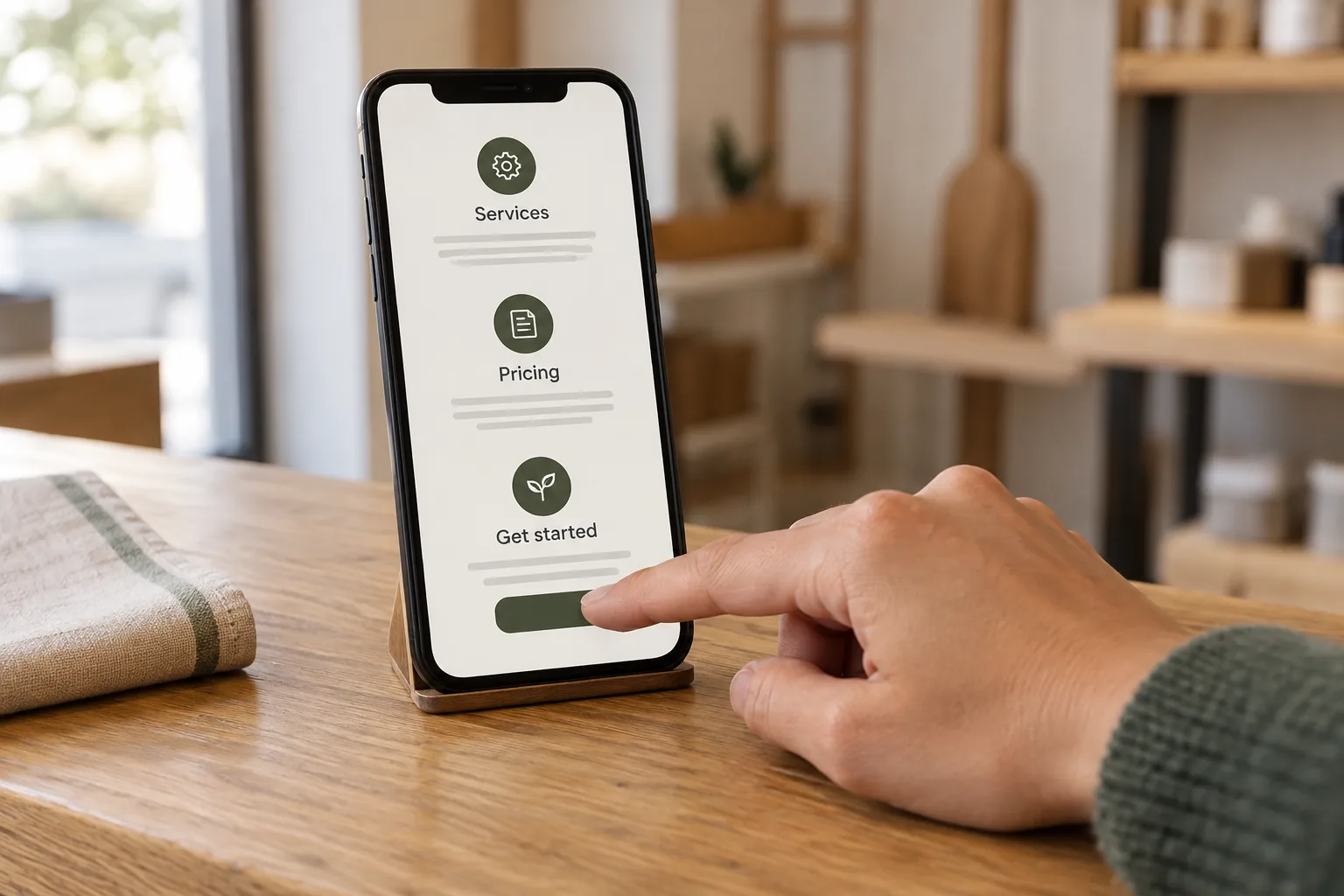
I would keep the essentials—such as what the service includes and how to inquire—visible on the page. Expandable questions can be useful for supporting details, but the controls need to work properly.
W3C's accordion guidance describes keyboard operation and accessible expanded or collapsed states. A web developer should check those behaviors, not just whether the plus sign looks right. W3C's accordion pattern.
Keep a clear way to contact you, too. Helpful answers should make a conversation easier, not force everyone through a self-service system.
Write for people rather than a promised search shortcut
Answering customer questions fits Google's guidance to create useful, reliable content for an intended audience. Google also says there is no preferred word count. The answer should be as detailed as the subject needs, not stretched to reach a target. Google's people-first content guidance.
Useful website answers are different from a special FAQ display in Google results. Google retired that rich-result feature on May 7, 2026, so FAQ markup should not be sold as a way to obtain it. Write the answers because they help customers—not as a promise of a special search appearance, higher rankings, or more bookings. Google's official documentation updates.
Check whether the new answers are helping
Before making a change, note which page you are updating and the questions you hope to address. Then review both website data and the conversations that follow.
Search Console can show search impressions and clicks for a page. They describe search appearances and traffic, not qualified inquiries or paying customers. Keep those outcomes separate. Google's explanation of the report.
For a practical follow-up, ask:
- Are people still asking the same basic question after visiting the page?
- Are inquiries including the information needed to move forward?
- Can someone unfamiliar with the business find the answer without help?
- Are the terms, prices, and availability still accurate?
Fewer questions are not automatically a success; fewer people may have visited. More clicks are not automatically better business, either. Look for patterns over time, especially when your website has modest traffic. A change in results alone does not prove one paragraph caused it.
Start with one useful page
Choose one service you want people to understand better. Pick three questions you repeatedly answer. Write the answers in your own words, check that they reflect your current policies, and place them on the relevant page.
Then ask someone unfamiliar with the service to find what is included, what affects the price, and how to get started. Notice where they hesitate.
That is a manageable improvement, and it gives you something concrete to work on with your web person.
I help businesses in Omaha and eastern Nebraska improve the websites they already have, as well as build new ones. That can mean clearer service pages or a custom addition, such as a more useful inquiry form, booking connection, or quote-request tool. We can review your platform and the way you work before deciding what fits.
You bring the knowledge of your business. I can help turn it into a website that explains it clearly and gives people a useful next step.
Tell me what customers keep asking you.
Sources checked October 13, 2026.